
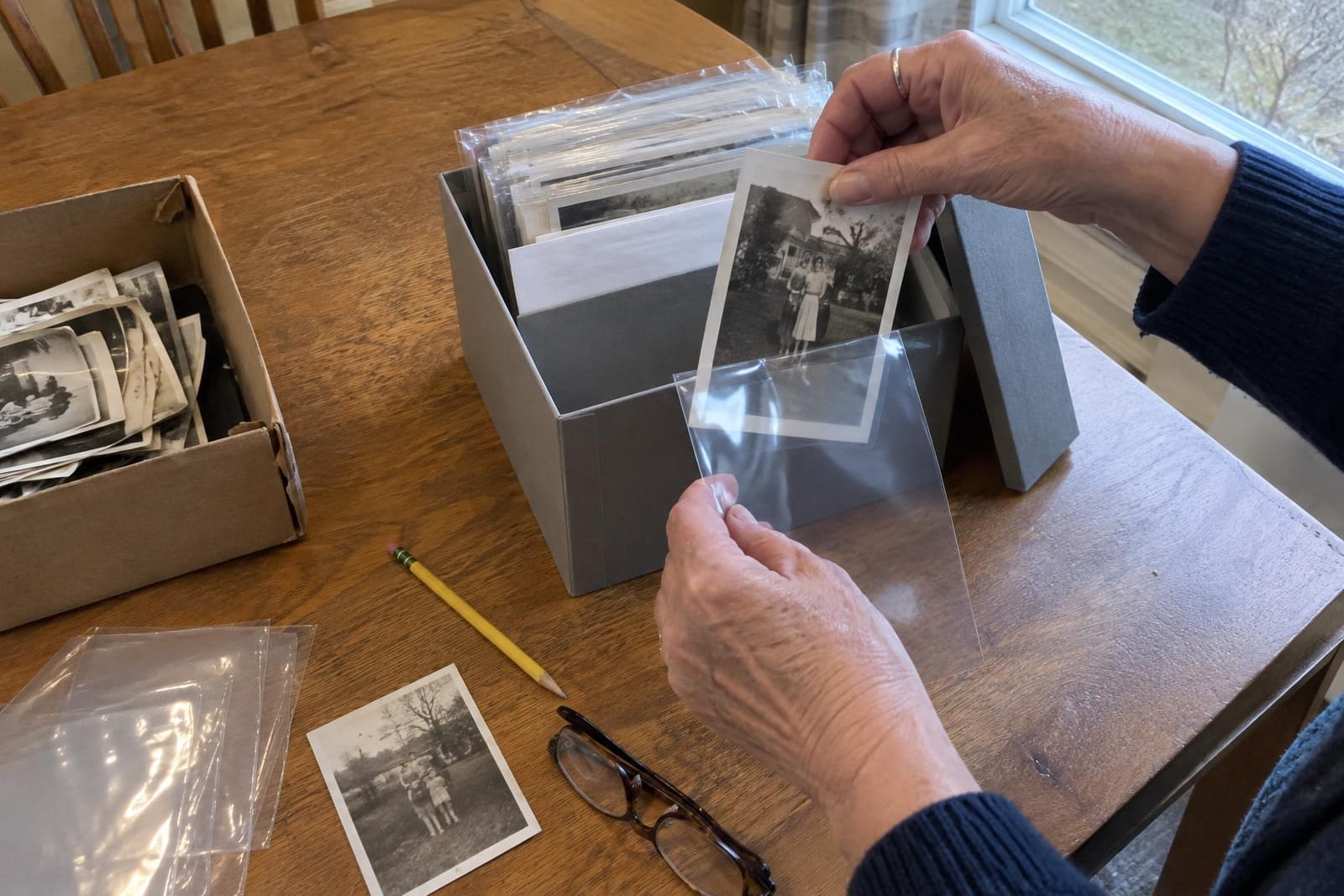
Put each old print in its own polypropylene or polyester sleeve, or a paper envelope, with a line on the package saying it passes the PAT, a photo-safety test. Keep the sleeves in a lidded archival box, on a shelf in a closet in the rooms you live in. The attic is too hot and the basement too damp.
PVC sleeves have to go, and so do self-stick “magnetic” album pages. A print already stuck fast to one is safer left on the page than pulled, which can tear it.
Which plastic sleeves are safe
Three plastics are safe against photographs: uncoated polypropylene, polyester and polyethylene, according to the Library of Congress. The one to get rid of is PVC, often sold as vinyl. It breaks down over the years and gives off chemicals that stain and damage the prints inside it.
Polypropylene
Safe when the label says it passes the PAT
- On the label
- “polypropylene” or “PP”
- In your hand
- Clear and flexible, with no smell.
“PVC-free” alone doesn’t say which plastic it is, and soft page protectors can carry a coating, so go by the PAT line on the package.
Polyester
Safe when the label says it passes the PAT
- On the label
- “polyester”, “PET” or the trade name Mylar
- In your hand
- Stiff and glass-clear. It holds its shape.
Good support for a thin, fragile print. Its static can lift loose flakes, so a print with a flaking surface goes in paper.
PVC, or vinyl
Take the prints out and throw the sleeve away
- On the label
- “vinyl” or “PVC”. Treat a sleeve with no plastic named the same way.
- In your hand
- Soft and often oily or tacky, with a strong plastic smell. Old sheets turn yellow and stick together.
If a print has already stuck to it, leave it in and ask a conservator.
Smell and feel give away most old PVC, but some newer vinyl barely smells, so replace any sleeve you can't name. Polyethylene, the third safe plastic, is softer and a little cloudy. Like the other two, it needs the PAT line on the package, since a recycling number only names the plastic and a coating doesn't show.
Before a print goes into any sleeve, puff off the loose dust, the way our cleaning guide shows.
What the label should say
Look for “passes the PAT” or “PAT-passed”. The Photographic Activity Test is an international standard, ISO 18916, run by the Image Permanence Institute in Rochester, New York. It checks whether a material, left against a photograph for years, would make the image fade, yellow, take on a silvery sheen or grow red spots.
“Acid-free” alone doesn't answer that. It only describes pH, and a material can pass for pH and still harm a photo. If a package doesn't name the plastic at all, leave it on the shelf.
Paper envelopes, and the box they go in
Paper is the other choice. It's opaque, so you have to slide the print out to look at it, but it lets air through and carries no static.
It has to pass the PAT too. Skip glassine, the thin, crinkly, half-clear paper, and brown kraft envelopes: both are acidic.
- A clear sleeve for a print the family looks at often, so fingers stay off the picture.
- A paper envelope for a print whose surface is cracking or flaking.
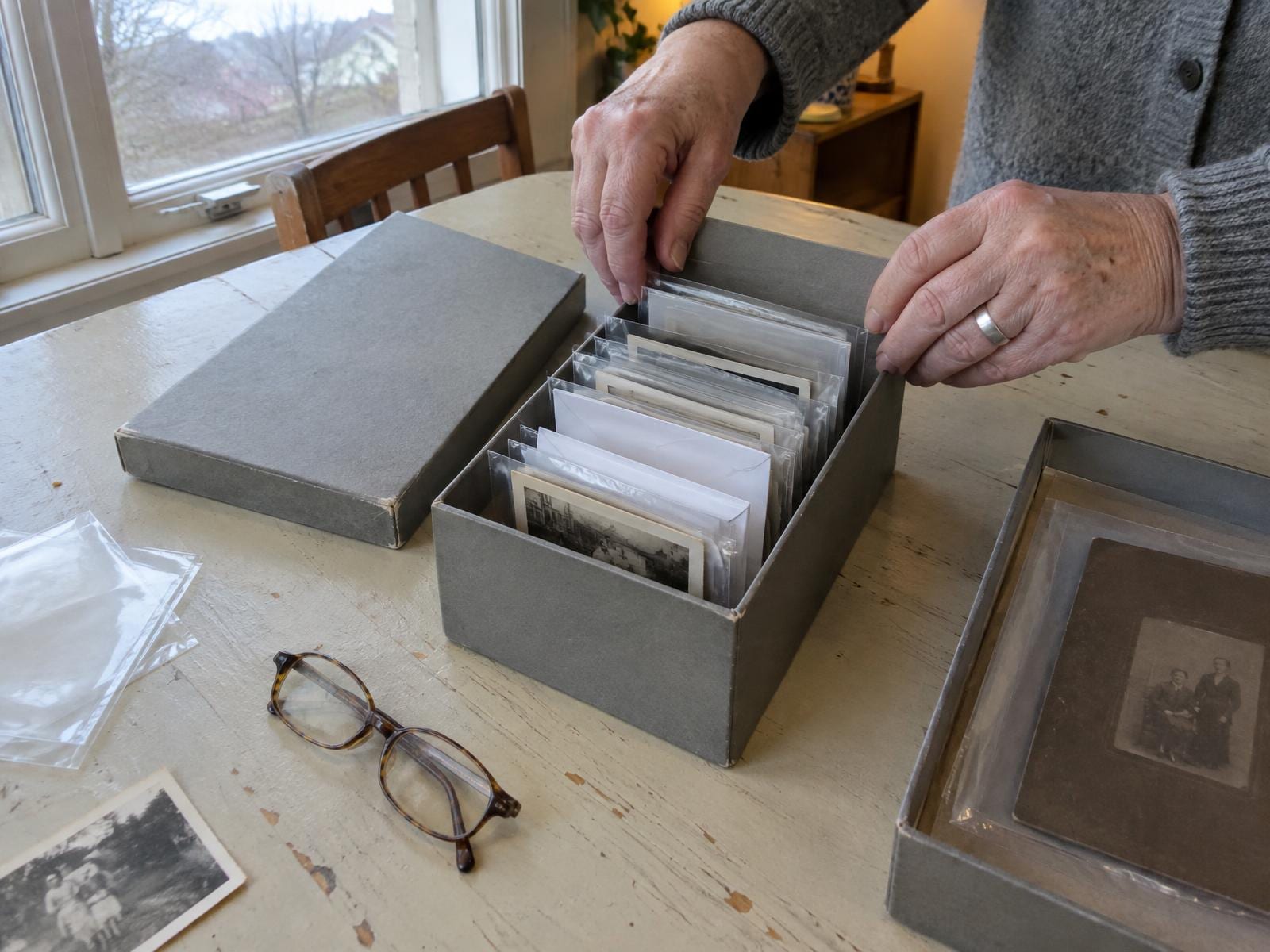
The box should be board with a well-fitting lid, also marked as passing the PAT, and sized to the prints. A shoebox or a wooden chest gives off gases that harm photos over time.
Keep prints of a similar size together. Small sleeved prints can stand upright in a snug box; big prints, and anything on a brittle card mount, lie flat. If a box is half empty, fold a spare sheet of the same board into it so nothing slumps.
- Rubber bands, paper clips or staples, even to keep a set together.
- Tape, glue or sticky notes anywhere on a photo.
- Colored paper or colored envelopes, whose dye can bleed onto a print.
Put the box in a closet in the living space
In a box, damp and heat do the harm. For most prints humidity matters most, and heat speeds everything up: the chemistry that fades and yellows photos runs about twice as fast for every 10°F rise. An attic is too hot.
A basement brings damp, and damp brings mold. Above about 70 percent humidity, the face of a print can also stick to a plastic sleeve. Both rooms go unvisited, so a leak or mice can go unnoticed, a point the American Institute for Conservation makes in its photo care guide.
An interior closet on a floor you live on is usually the best spot, because its temperature and humidity stay steadier than elsewhere in the house. Put the box on a shelf, off the floor, away from outside walls, the bathroom, radiators and heating vents.
The Library of Congress target is 70°F or cooler, with humidity between 30 and 50 percent, kept as steady as you can. A small digital thermometer-hygrometer from a hardware store will tell you whether a closet qualifies. If a box ever does get wet, the first steps are in what water does to a photograph.
Negatives go in their own box
Keep negatives away from the prints, in a small box of their own. As film ages, some kinds give off gases that harm whatever is stored next to them.
Put each strip in a paper envelope that passes the PAT. Paper lets those gases out, where plastic traps them, and the Library of Congress says plastic shouldn't hold nitrate or acetate film, which covers most family negatives.
If a strip smells of vinegar, or looks warped or bubbled, it's breaking down: keep it apart from the rest and scan it soon. Negatives from before the early 1950s may be nitrate film, which looks like other film but is highly flammable, so box those apart too and show them to a photograph conservator.
Write names in pencil, on the envelope or the back
Write who is in it, where and when, as far as anyone knows, on the envelope rather than the photo when you can.
If a name has to go on the print itself, lay it face down on something hard, like a hardcover book, and write lightly with a soft pencil on the back, near the edge. A soft surface underneath lets the pencil dent through to the picture side.
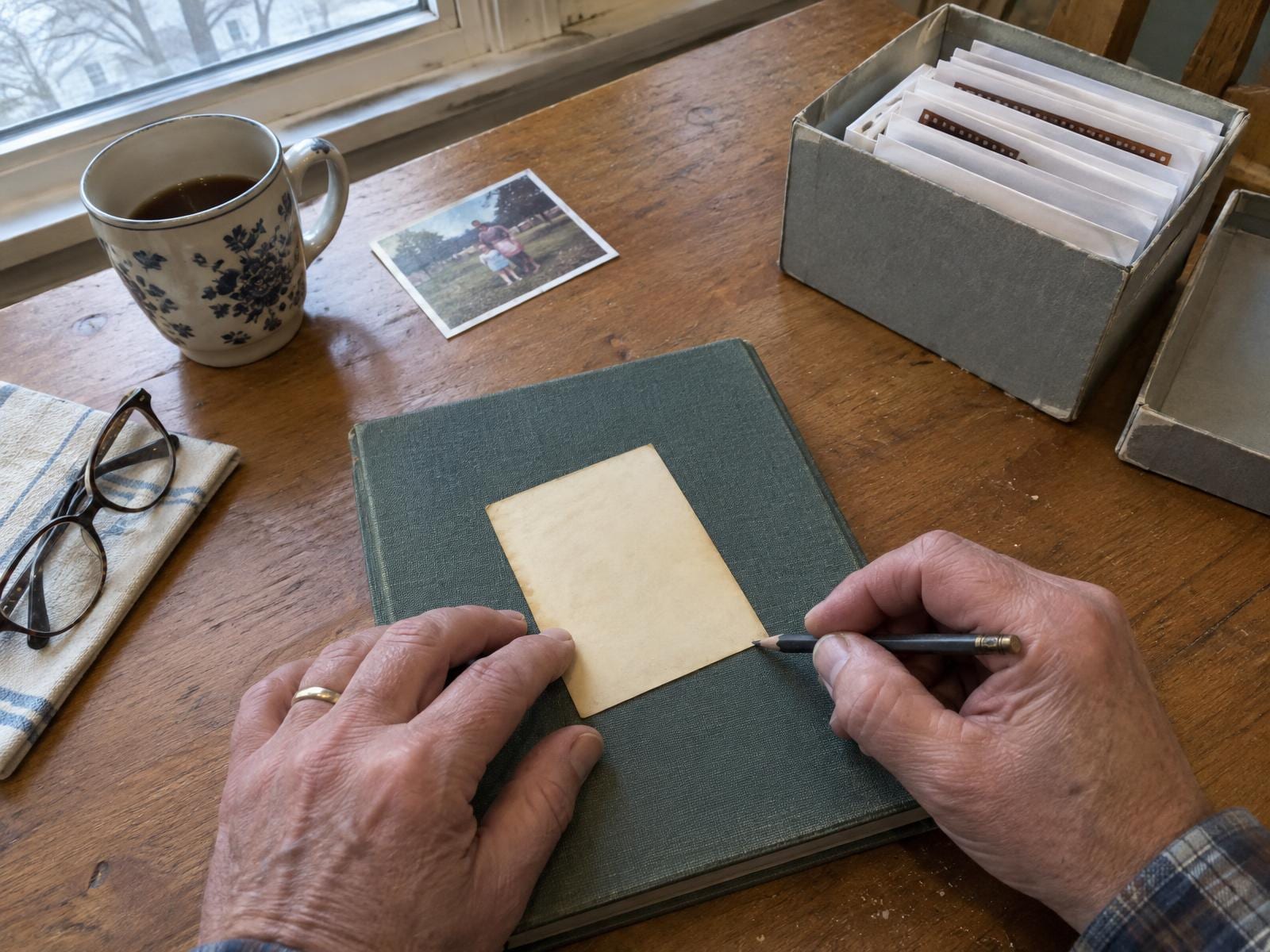
A ballpoint dents the print, and felt-tip ink can bleed onto the photo stacked against it. Plastic-coated prints, the kind with a slick back, don't take pencil well, so their names go on the envelope.
Frame a restored copy and keep the original boxed
Light fades and yellows prints, and the damage adds up and doesn't reverse. That's why conservators suggest displaying a copy and keeping the original in storage.
So scan the print, using the settings in our scanning guide, repair the scan, and frame a print of the repair. If the framed copy fades, you print another, and the original stays in its sleeve as it is today.
A print that might be worth money gets the same treatment, since collectors want it untouched. For a box too big to scan yourself, our Legacybox review covers mailing it off.
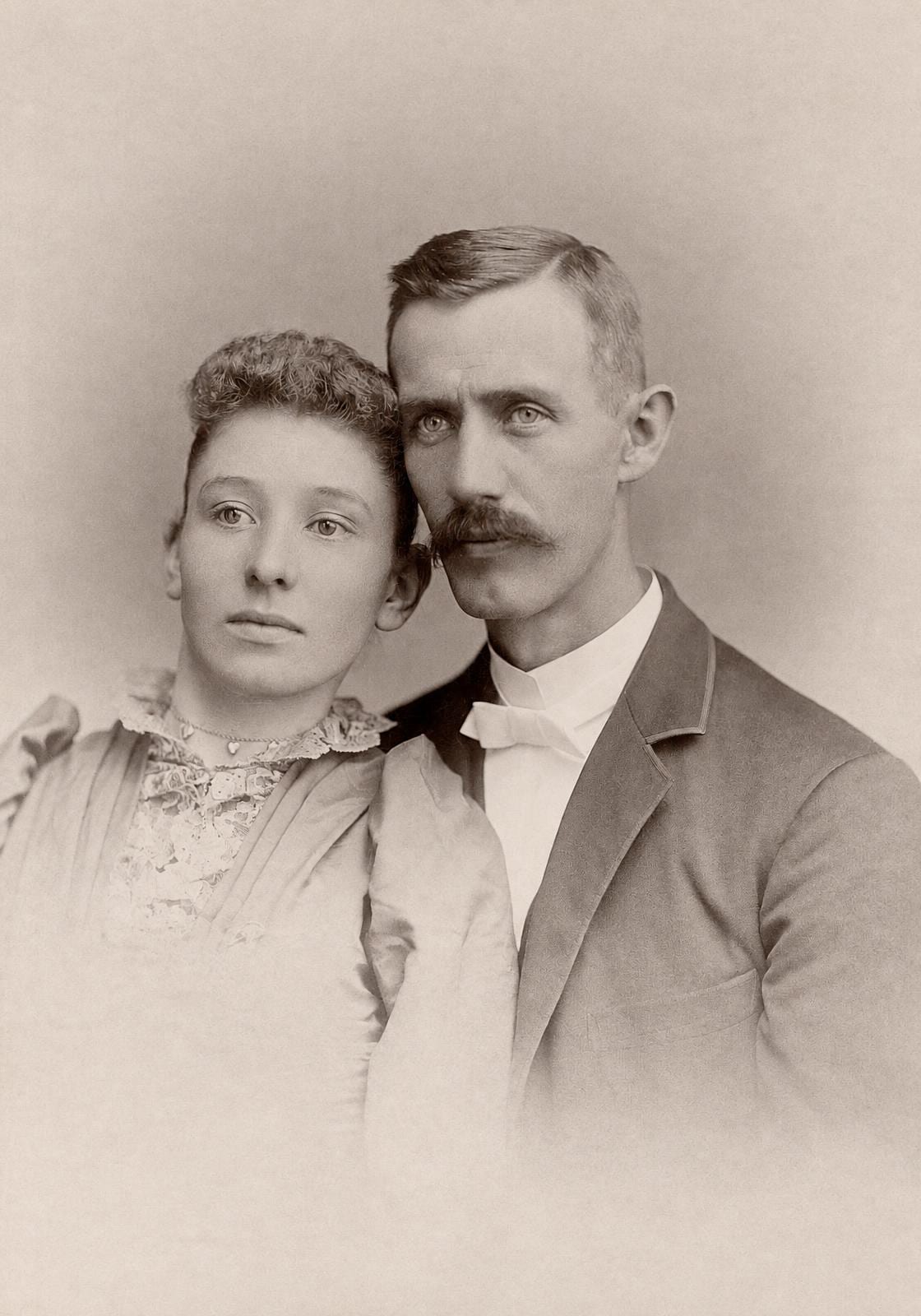
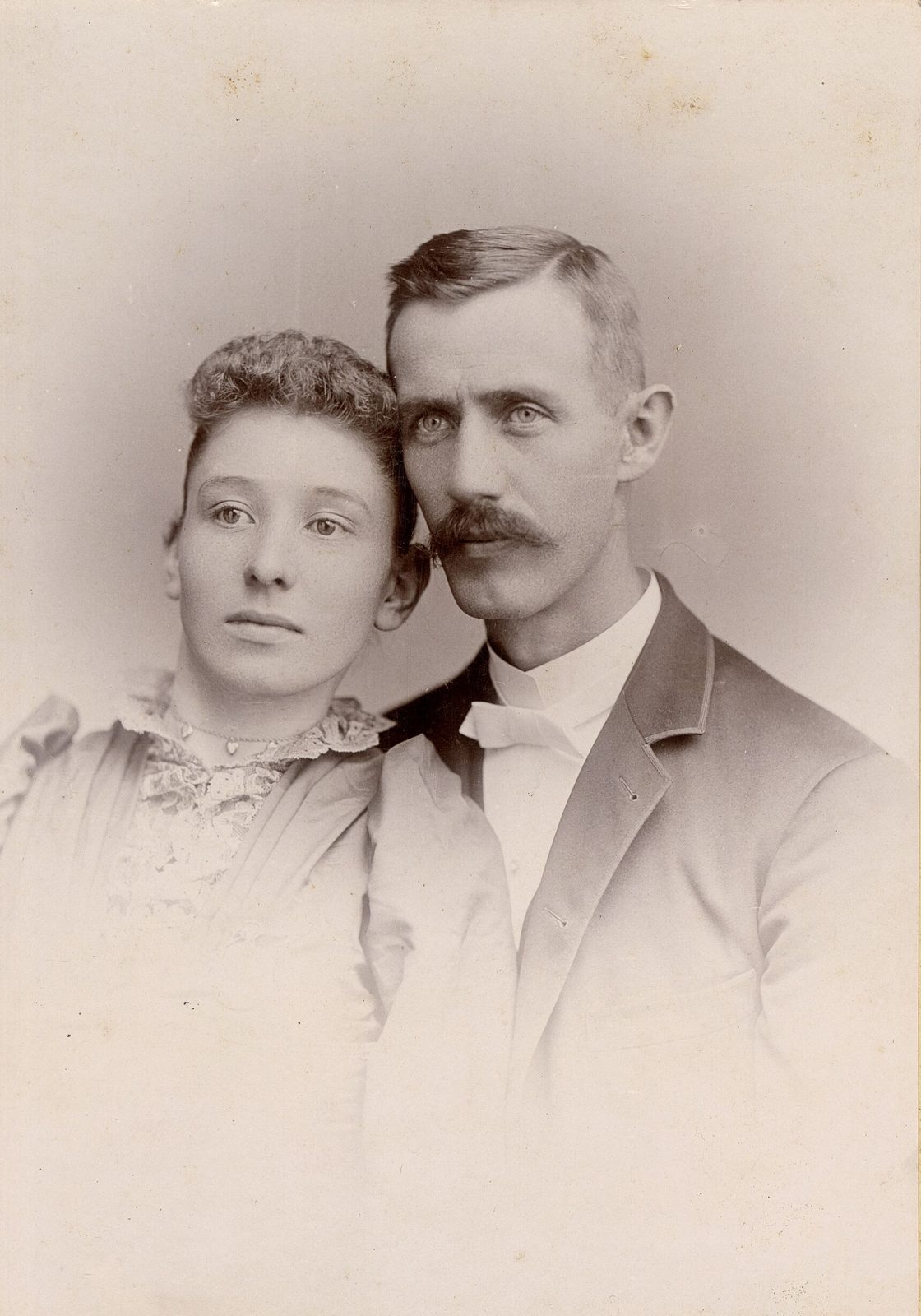
Drag the line to compare the faded card with the repair.
For the repair, upload the scan to FixFade. It comes back in about a minute, and 2 a day are free watermarked previews, no card needed. The copy you frame needs a paid restore without the watermark, from $19 for 25 photos.
Compare it with the original before you print, above all where the fade had taken detail away. The software filled those spots in, as it did with the jacket above.